

Quotex App vs Browser — Complete Comparison
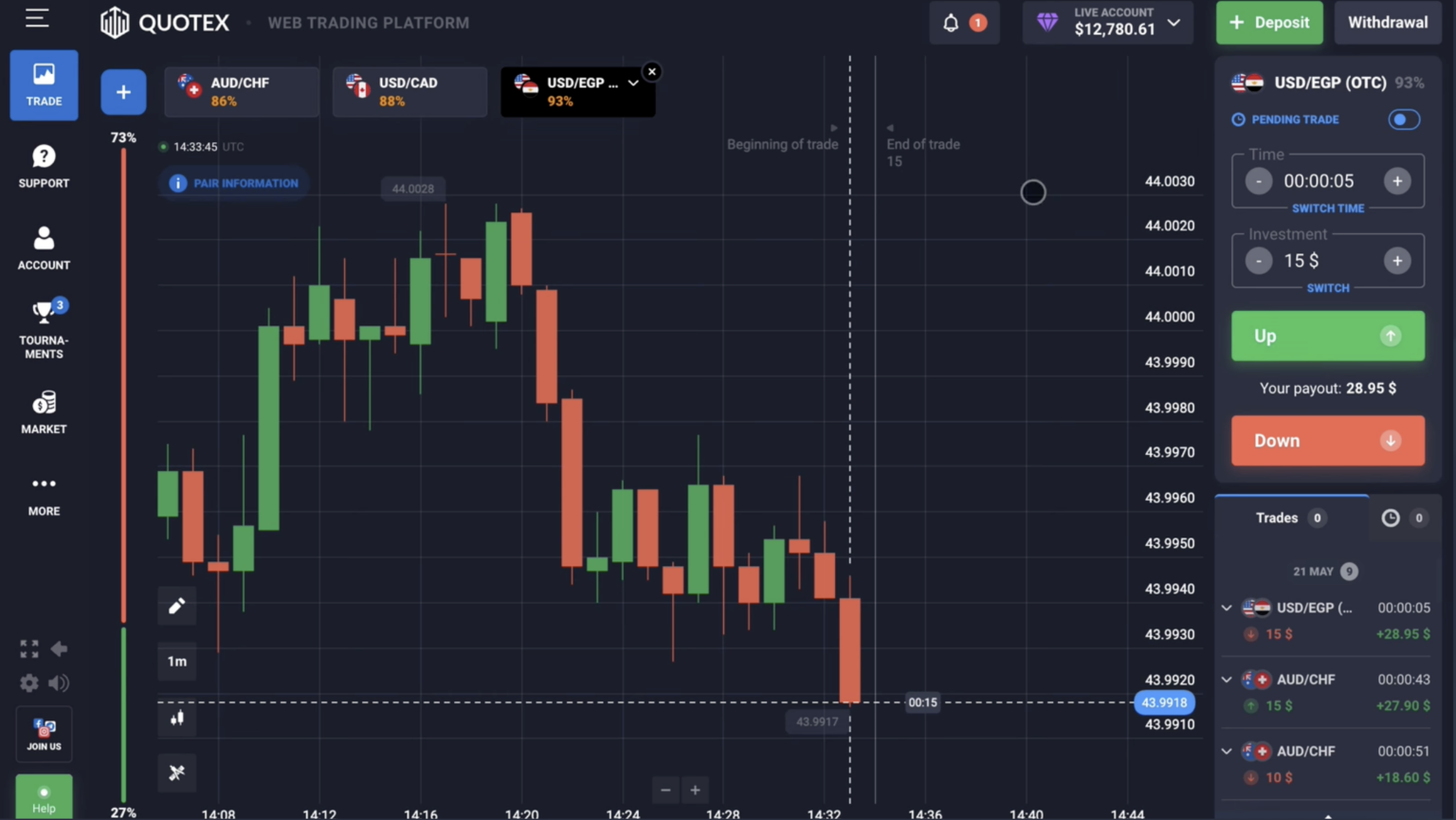
Feature Comparison
| Feature | Mobile App | Browser (Desktop) | Browser (Mobile) |
|---|---|---|---|
| Chart size | Limited by phone screen | Full desktop screen | Limited by phone screen |
| Multi-monitor | No | Yes | No |
| Biometric login | Yes (Face ID, fingerprint) | No | No |
| Push notifications | Native iOS/Android | Browser permissions only | Browser permissions |
| Speed | Fast (optimized) | Fast (full performance) | Medium (browser overhead) |
| Updates | Auto via App Store | Manual page refresh | Manual page refresh |
| Offline reading | Limited | No | No |
| Indicator visibility | 2-3 max comfortable | 10+ indicators visible | 2-3 max |
| Keyboard shortcuts | No | Yes (full) | No |
When to Use Mobile App
- You trade mostly on the go (commuting, travel)
- You want push notifications for trade outcomes
- You prefer biometric quick login
- You trade short focused sessions (15-30 min)
- Your strategy uses 1-2 indicators only
- You want simplest possible interface
When to Use Desktop Browser
- You trade longer sessions (1-3 hours)
- You use multiple indicators simultaneously
- You want multi-monitor view (chart on one, news on another)
- You journal trades alongside trading
- Your strategy requires precise click timing
- You're doing strategy development or backtesting
Security Comparison
Both equally secure when properly configured. Mobile app advantages: biometric login adds hardware-level security; less exposure to browser-based phishing; app installs only from verified app stores. Desktop advantages: easier to verify URL (avoid phishing sites); browser extensions can add security tools (uBlock Origin, password manager); larger screen makes URL verification more visible.
- Both support 2FA via Google Authenticator
- Both have session management (kill remote sessions if needed)
- Both encrypt traffic (HTTPS)
- Mobile adds biometric layer; desktop adds visibility/extensibility
Performance Considerations
- Mobile app: optimized native code, fastest interaction
- Desktop browser: limited by browser efficiency but full hardware available
- Mobile browser: SLOWEST option due to browser overhead on mobile hardware — avoid if possible
- Battery drain: mobile app moderate; mobile browser higher
- Data usage: similar 1-3 MB per active hour both methods
- Wi-Fi recommended for long sessions on mobile
App vs Browser FAQ
Should I use both?
Yes — many traders do. Desktop for focused trading sessions; mobile app for quick checks, notifications, deposits/withdrawals on the go. Both sync the same account; trades sync in real time.
Is mobile app safer than mobile browser?
Yes, slightly. Native apps have less phishing risk (only installed from verified app stores), can use biometric login, and have native security features. Mobile browser is convenient but more exposed to fake-site phishing. Use mobile app if you trade primarily on phone.
Does desktop have all the same assets?
Yes — identical asset universe, identical payouts, identical features. The platform sync is real-time. Login on desktop after trading on mobile sees the same trades, same balance.
Can I use Quotex without installing anything?
Yes — desktop browser version (visit quotex.vg on any computer browser) requires no installation. Mobile browser (Safari, Chrome) also requires no install. App is optional for those who prefer native experience.
Quotex
Disclosure: Sign-up links on this page may earn us a commission at no extra cost to you. This does not affect the editorial accuracy of our content — payouts, methods, and platform features are reported as observed.