

Download the Quotex Trading App for Android and iOS
Quick Answer (TL;DR)
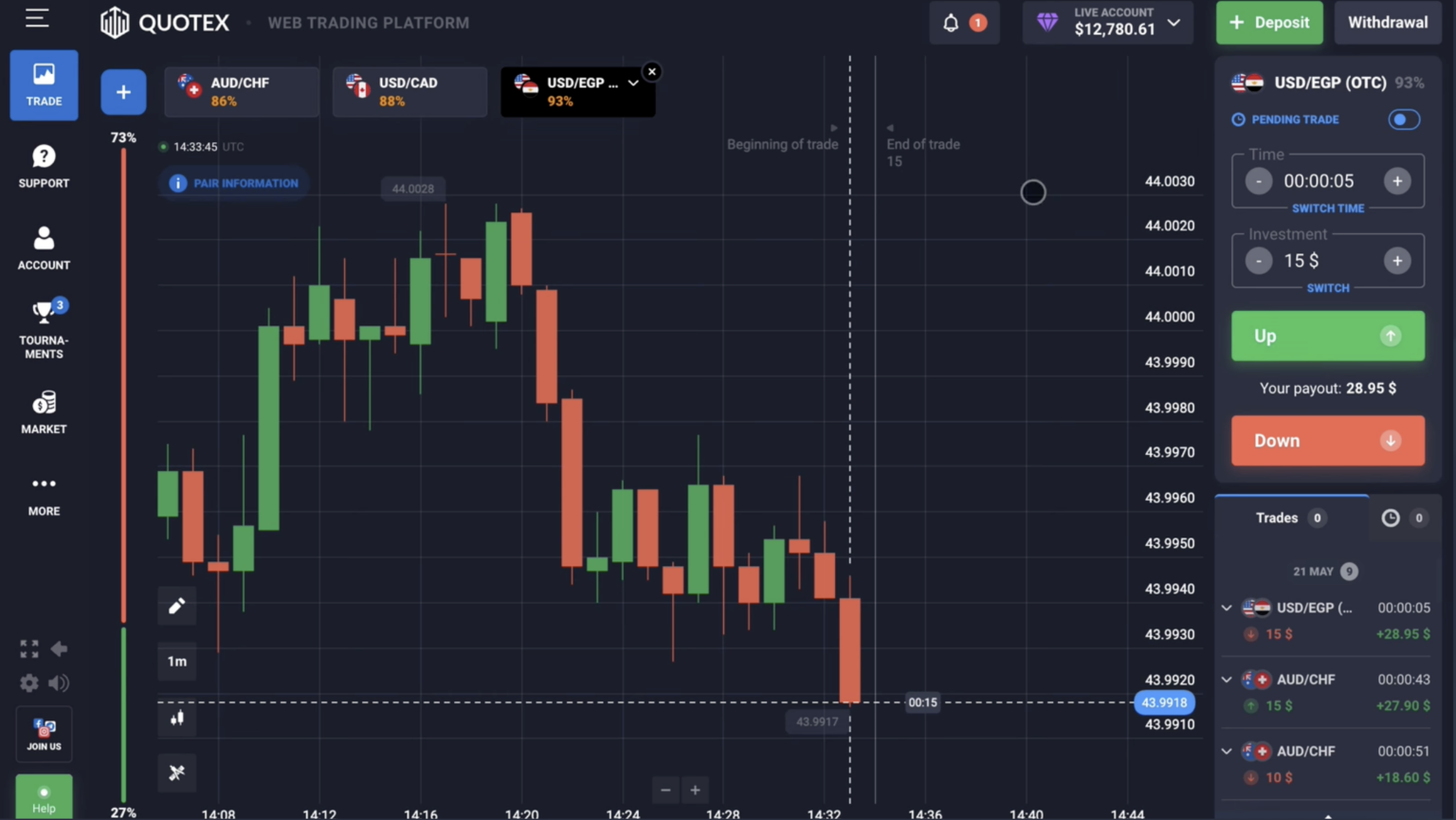
Quotex offers a free mobile trading app on iOS and Android with full feature parity to the web platform: live charts, all 100+ tradable assets, deposit/withdrawal flows, 2FA login, and 24/7 OTC pair trading. Install from Google Play, App Store, or use PWA (Progressive Web App) by adding the site to your home screen. Identical $1 minimum trade and 85-95% payouts as the web platform.
Why Use the Mobile App
The Quotex app is built for traders who prefer trading on the go or who don't have constant access to a desktop. The app delivers sub-100ms execution like the web platform, supports all asset categories including OTC pairs for weekend trading, and includes push notifications for trade outcomes and signal alerts. Mobile-specific features: biometric login (Face ID, fingerprint), one-tap trade execution, and offline access to chart drawings.
System Requirements
| Platform | Minimum OS | Recommended | Storage | RAM |
|---|---|---|---|---|
| iOS (iPhone) | iOS 12.0 | iOS 15+ | 150 MB | 2 GB+ |
| iOS (iPad) | iPadOS 12.0 | iPadOS 15+ | 150 MB | 2 GB+ |
| Android phone | Android 5.0 Lollipop | Android 9.0+ | 120 MB | 2 GB+ |
| Android tablet | Android 5.0 | Android 9.0+ | 120 MB | 3 GB+ |
| PWA (any browser) | Modern browser | Chrome/Safari latest | minimal | 1 GB+ |
Install on iOS (iPhone/iPad)
- Step 1: Open the App Store on your device
- Step 2: Search for 'Quotex' or visit quotex.vg/app for direct link
- Step 3: Tap 'Get' — Face ID or password confirms install
- Step 4: Open the app from your home screen
- Step 5: Log in with email + password (or use Google/Apple OAuth for faster login)
- Step 6: Optionally enable Face ID for instant access on future launches
Install on Android
- Step 1: Open Google Play Store
- Step 2: Search 'Quotex Trading' or use quotex.vg/app link
- Step 3: Tap 'Install' — Play Protect verifies the app
- Step 4: Open the app from your app drawer
- Step 5: Log in or sign up directly in the app
- Step 6: Enable fingerprint or PIN unlock for security
PWA Alternative (No App Store Install)
If you prefer not to install from app stores, Quotex works as a Progressive Web App. On any modern smartphone browser, visit quotex.vg and tap 'Add to Home Screen' from the browser menu. The PWA appears as an app icon, opens full-screen, and behaves like a native app — including offline charts and push notifications (where browser allows). PWA is recommended for users in jurisdictions where the app stores have removed the Quotex app.
Mobile vs Web — Feature Comparison
| Feature | Mobile App | Web Platform | PWA |
|---|---|---|---|
| Live charts | ✓ Full | ✓ Full | ✓ Full |
| All 100+ assets | ✓ | ✓ | ✓ |
| Indicators (RSI, MACD, etc) | Top 20 popular | All 40+ | Top 20 |
| Chart drawing tools | Basic | Advanced | Basic |
| Multi-monitor support | — | ✓ | — |
| Biometric login | ✓ Face/Touch ID | — | Browser-dependent |
| Push notifications | ✓ | Browser permission | Browser-dependent |
| Deposit/withdrawal | ✓ | ✓ | ✓ |
| 2FA support | ✓ | ✓ | ✓ |
Trading on Mobile — Tips
- Use a stable WiFi connection — cellular can cause execution delays during volatile market
- Enable biometric login — Face ID/fingerprint adds security without slowing access
- Set up push notifications for trade outcomes — critical for short-expiry strategies
- Use landscape orientation for charts — easier to read patterns
- Disable phone vibration during active trading — prevents accidental finger taps
- Keep app updated — performance and security fixes ship monthly
Frequently Asked Questions
Is the Quotex app free?
Yes, free to download and use. No subscription required. You only need a funded account ($10 minimum) to trade real money — demo trading is also free.
Does the app work on iPad and Android tablets?
Yes — both iOS and Android tablets are supported. The interface adapts to larger screens for better chart reading.
Can I use the same account on app and web?
Yes. One Quotex account works across iOS, Android, web, and PWA. Trades sync in real-time.
What if the Quotex app is removed from my country's app store?
Use the PWA (Progressive Web App) — visit quotex.vg on your phone, tap 'Add to Home Screen'. Same functionality, no app store needed.
Is the mobile app secure?
Yes — TLS 1.3 encryption, optional biometric authentication, 2FA support. Same security architecture as the web platform.
Why does the app ask for permissions?
Camera (for KYC selfie), notifications (for trade alerts), biometric (for Face/Touch ID). Network access is required for trading. No microphone or contacts access.
Ready to start trading on Quotex?
Disclosure: Sign-up links on this page may earn us a commission at no extra cost to you. This does not affect the editorial accuracy of our content — payouts, methods, and platform features are reported as observed.